
Not every task needs heavy software installed on your computer.
A lot of the time you just need to open an image and make a few quick edits or adjust colors or export something in the right format.
That’s where browser based tools start to make more sense.
Over time these tools have improved a lot. What used to feel slow and limited now works surprisingly well. Some of them can handle layered files while others focus more on speed or simple design tasks.
Another big advantage is accessibility. You can use them on almost any device, and your work is often saved in the cloud, so you don’t have to worry about losing files or transferring projects between computers. Many also allow quick collaboration, which makes sharing edits much easier. Of course, they may not fully replace professional desktop software, but for everyday work they are more than enough.
If you keep a few of these bookmarked you can save time and avoid opening large programs for small things.
Here are some online tools that are actually worth using.
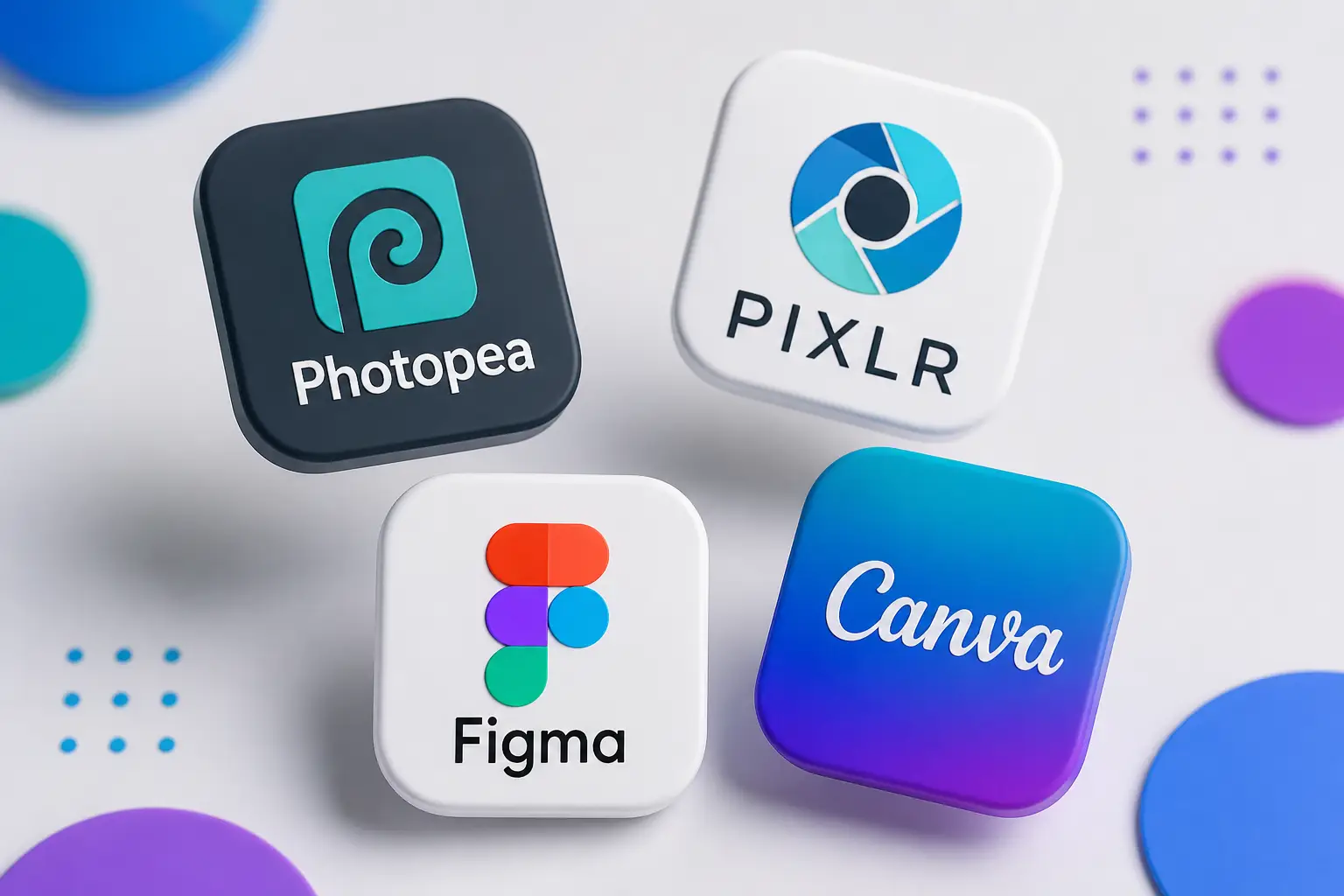
Photopea
This is one of the most complete image editors you can run directly in your browser.
It supports PSD files which already makes it useful in many situations. If someone sends you a Photoshop file and you don’t want to install anything this can handle it without problems.
The layout feels familiar. You get layers blending modes basic filters text tools and most of the things people use on a daily basis.
Performance is also decent. It runs smoothly on most machines and you don’t need a powerful setup.
One thing to expect is ads. Since it’s free you will see them around the interface but they don’t really get in the way. This works well for tasks like:
- Opening and editing PSD files
- Quick retouching
- Exporting images in different formats
- Making small adjustments without switching apps
If you only want one tool that covers most editing needs this is a solid choice.
Pixlr
Pixlr is more focused on speed.
It loads fast and the interface is simpler which makes it easier to use when you don’t want too many options on screen.
There are different versions but even the basic one is enough for everyday edits. This makes it useful when:
- You need to crop or resize something quickly
- You don’t want to deal with complex tools
- You are working on something small
It doesn’t go as deep as other editors but that’s actually the point. It lets you finish things faster.
There is a free version with some limits but for most tasks it works fine.
Canva
This one is built more for design than editing.
Everything is based on drag and drop which makes it very easy to use. You don’t need to think too much about layout because most of it is already handled. It works well for:
- Social media posts
- Simple banners
- Presentations
- Quick visuals
You can start from a template and adjust it instead of building everything from scratch.
The free plan gives access to a large number of elements and fonts. Some things are locked but you can still do a lot without paying.
Figma
Figma is more about structure and layout.
It runs in the browser and feels smooth even on lighter machines. You can create frames components and reusable elements which makes it easier to organize your work. It’s useful for:
- Wireframes
- Layouts
- Basic design systems
- Simple prototypes
Sharing work is also simple. You can send a link instead of exporting files which saves time.
The free plan works well for individual use and small projects.
How these tools fit into everyday work
Each tool solves a different problem.
Some are better when you need more control while others are better when speed matters more.
If you need to open a layered file and make edits then Photopea makes more sense.
If you just need a quick resize or small adjustment then Pixlr is faster.
If you want to create something simple without spending too much time then Canva is easier.
If the focus is on layout and structure then Figma is more practical.
Using them this way makes things simpler.
Free vs limitations
All of these tools have free versions.
- Photopea shows ads but keeps most features available
- Pixlr has some locked features
- Canva limits certain elements
- Figma limits team features
For everyday use these limits are usually not a problem.
A simple way to think about it
You don’t need one tool for everything.
It’s easier to have a few options ready and pick based on what you need in that moment.
- Sometimes you want speed
- Sometimes you want more control
- Sometimes you just want to finish something quickly without thinking too much
These tools make that possible without installing anything or switching between heavy apps.
Try one or two and see how they feel in real use.