
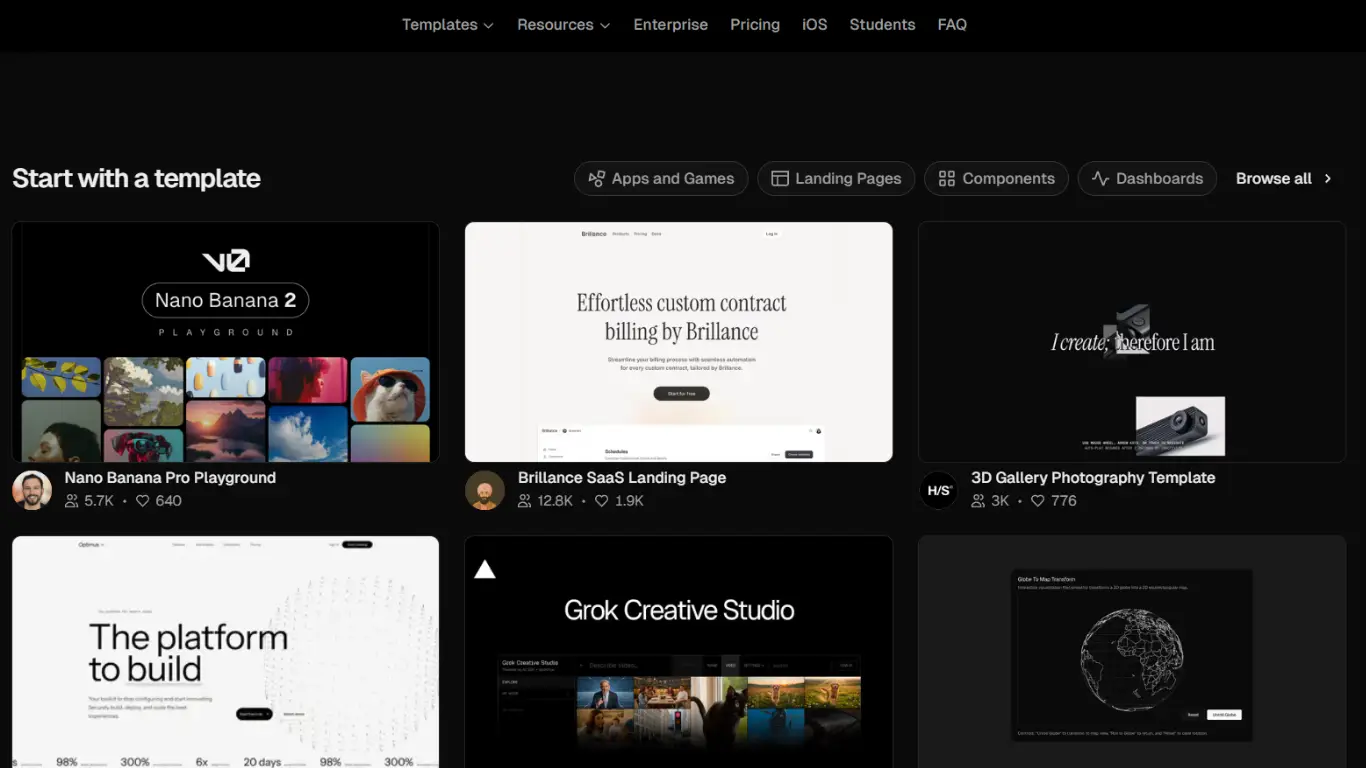
AI tools are starting to become part of normal web development workflows, especially when it comes to frontend design and rapid prototyping. Instead of spending hours rebuilding layouts manually, many developers now use tools like v0 by Vercel to speed up repetitive parts of the process.
What makes these tools interesting is not just the speed. It is the way they help developers move from an idea to a working interface much faster while still keeping control over the final result.
At the same time, using AI-generated code without understanding what is happening underneath can quickly create messy projects that become difficult to maintain later.
AI works best when you already understand the basics
AI tools work much better when the developer already understands frontend structure and layout behavior. Generating a nice looking component is easy. Understanding why the spacing breaks on smaller screens or why certain sections become difficult to maintain is different.
Developers who already know HTML, CSS and JavaScript usually get much better results because they can clean up and adjust the generated output properly. Without that understanding, projects often become a collection of copied sections that are difficult to scale later.
v0 is useful because it speeds up repetitive work
A large part of frontend development involves rebuilding patterns that already exist everywhere. Dashboards, cards, pricing sections, authentication forms and navigation menus often follow similar structures. Tools like v0 help reduce the time spent recreating those sections from scratch.
Instead of manually building every layout variation, developers can generate a starting point and then continue improving it manually. This usually works best during prototyping or early project planning where speed matters more than perfection.
The first generated version is rarely the final version
One mistake beginners sometimes make is assuming the generated output is automatically production ready. In reality, AI-generated interfaces still need cleanup and adjustments. Some layouts may contain unnecessary wrappers, inconsistent spacing or responsiveness problems that only become visible during testing.
The visual result may look impressive initially, but real frontend work starts after the generation itself. Reviewing the structure carefully usually improves the final result significantly.
Prompt quality changes the output a lot
The way developers describe components has a major effect on the generated result. Short vague prompts often produce generic layouts, while more detailed descriptions create cleaner and more structured components.
Adding information about spacing, responsiveness, themes or interaction behavior usually improves the output noticeably. After some experimentation, many developers start treating prompts almost like part of the design process itself.
AI generation does not replace frontend thinking
Even when AI generates the interface structure, developers still need to think about usability, responsiveness and long-term maintainability. For example, a layout might look visually clean but still create accessibility issues or poor navigation flow on mobile devices.
Good frontend development is not only about appearance. It also involves interaction clarity and consistent behavior across different devices. That part still depends heavily on human decisions.
Using AI during prototyping feels very different
One area where AI tools genuinely save a lot of time is rapid prototyping. Testing multiple layout ideas manually can take hours, especially during the early stages of a project. With AI-assisted generation, developers can explore several directions much faster.
This makes experimentation easier and reduces the pressure of rebuilding everything from scratch every time a client changes direction. It also helps developers focus more on refining ideas instead of repeatedly building temporary structures.
Performance and optimization still matter
Generated interfaces can sometimes include unnecessary complexity that affects performance if left untouched. Large component trees, excessive animations or poorly optimized layouts can still create slow user experiences.
Developers usually need to simplify certain sections and remove elements that do not add real value to the interface. This becomes especially important on mobile devices where performance issues are easier to notice.
The workflow feels more collaborative than automatic
After using AI development tools for a while, the process starts feeling less like automation and more like collaboration. The AI handles repetitive structure generation while the developer focuses on improving logic, consistency and usability.
That balance is probably why these tools are becoming more common inside modern development workflows. They reduce repetitive work without completely removing the need for real frontend knowledge.
Why many developers still edit everything manually
Even when the generated layout looks good, many developers still prefer reviewing every section manually before using it inside a real project. This helps keep the codebase cleaner and prevents inconsistent structures from spreading across the application.
Small manual adjustments often improve readability and maintainability much more than people expect. Over time, this creates a more stable development environment instead of relying entirely on generated output.
AI tools are becoming part of normal development
The increasing popularity of AI-assisted coding tools reflects how modern development workflows are evolving. Developers are constantly looking for ways to reduce repetitive tasks and focus more on solving real problems.
Tools that shorten the gap between an idea and a working prototype naturally attract attention because they improve iteration speed. As these tools continue improving, they will likely become a regular part of many development environments rather than a temporary trend.
Final thoughts
Tools like v0 are not replacing frontend developers, but they are changing how development workflows operate. The biggest advantage is not automatic perfection. It is the ability to move from ideas to functional interfaces much faster while still keeping full control over customization and implementation.
Developers who understand both the strengths and limitations of AI-assisted workflows will likely benefit the most as these tools continue becoming part of modern web development.