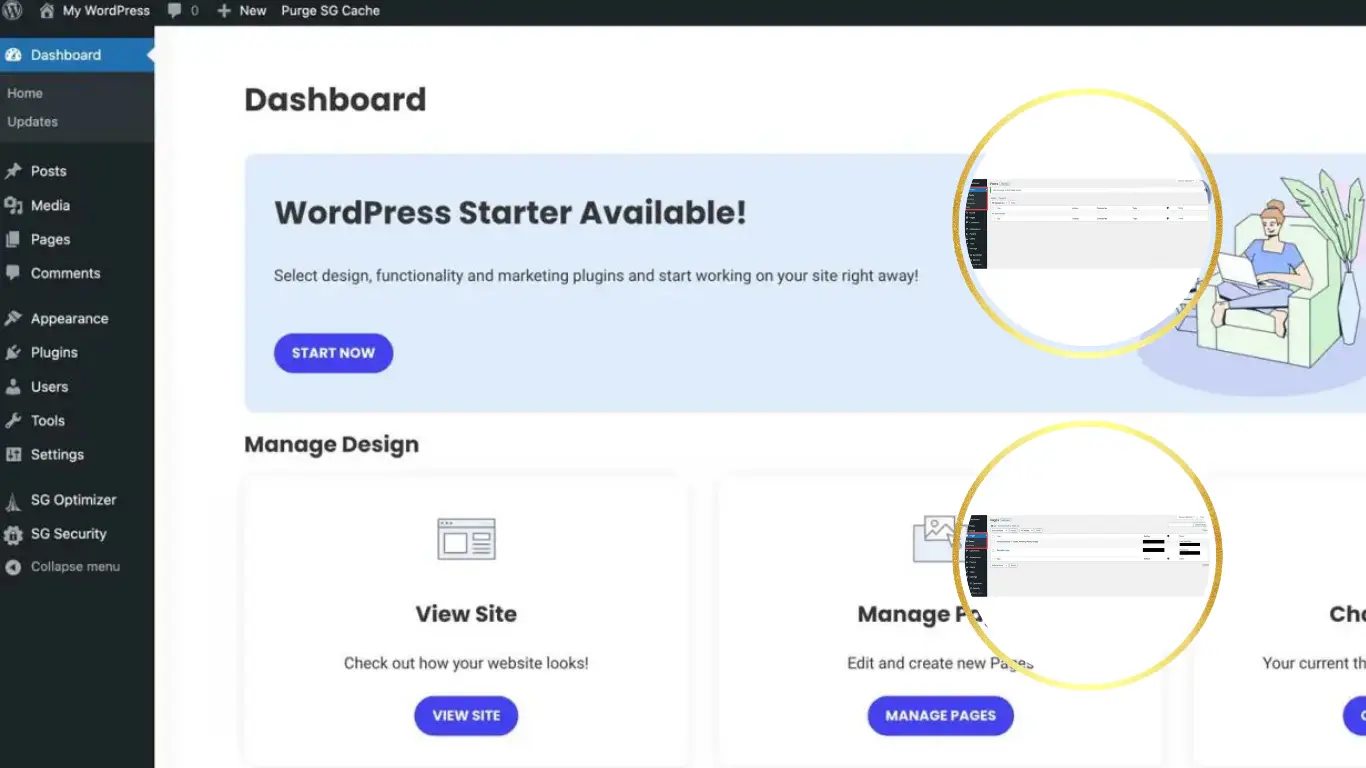

Most people start with WordPress thinking it’s all pretty straightforward. You install a theme publish a few posts and everything seems fine. But after a while you realize the default setup is just not enough.
You need better SEO faster loading speed more security and overall better control. That’s where plugins come in.
The problem is there are thousands of plugins out there. Some are useful, some are not and some can even slow your site down if you’re not careful.
In this post I’ll go through 10 free WordPress plugins that I’ve personally found useful and that are widely trusted. These are tools that actually help you build a better website.
Quick Insight
You don’t need dozens of plugins. A few well-chosen ones can improve your site significantly.
Want a Full Step-by-Step Tutorial?
If you want to see the full process from start to finish in one place, including setup, customization and launching your website, check this tutorial:
Complete WordPress Guide for Beginners: From Setup to Launch (Step by Step)
1. Yoast SEO
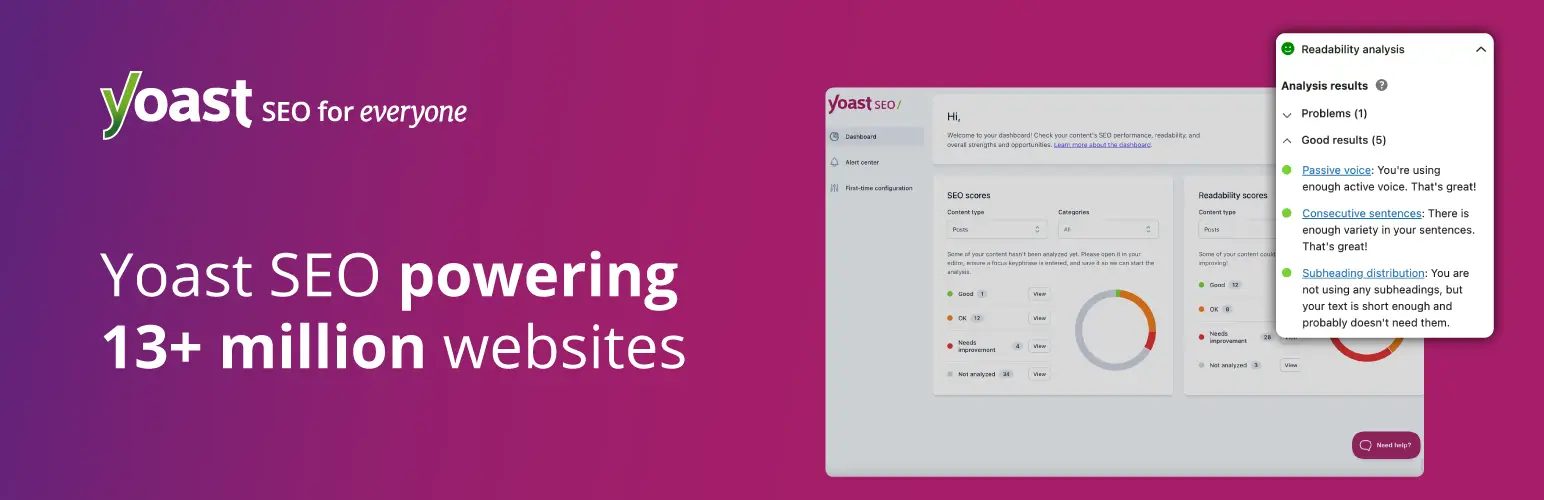
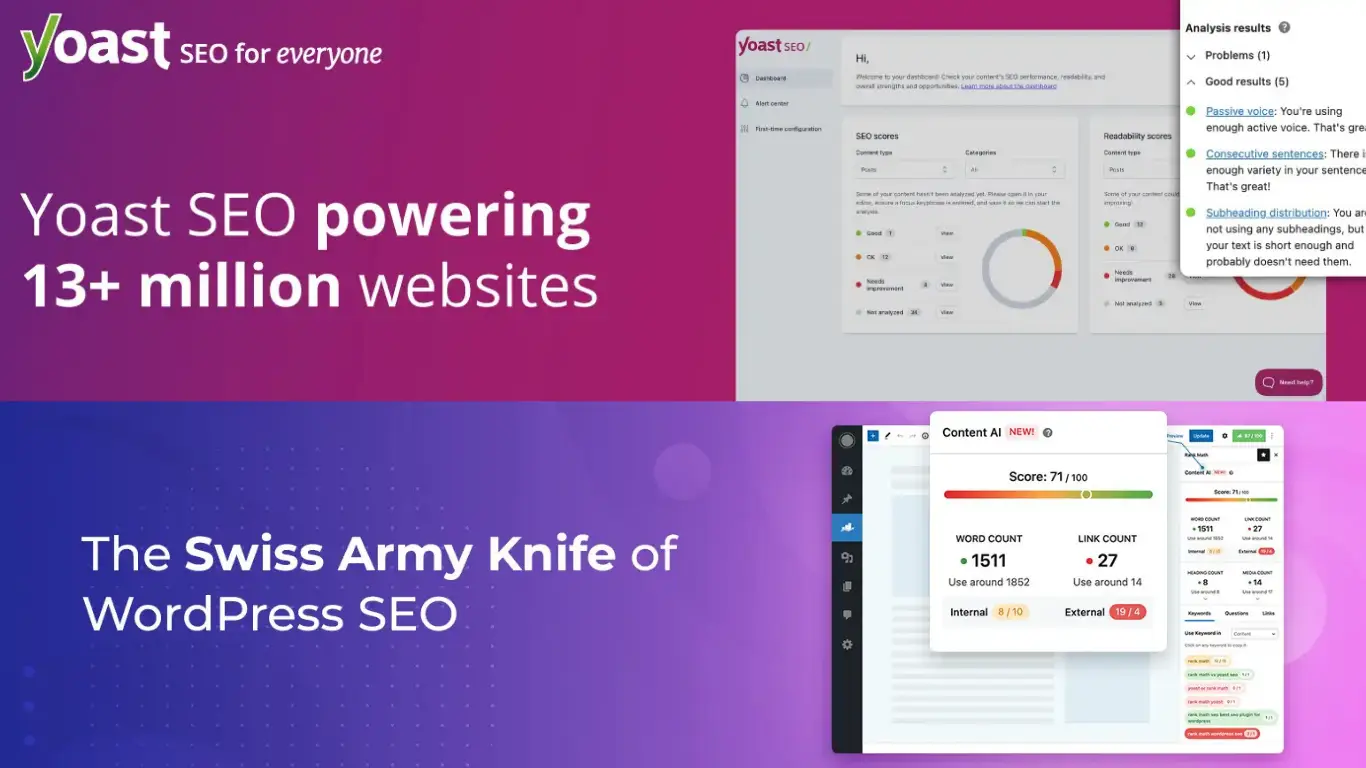
If you care about SEO this is one of the first plugins you should install. Yoast helps you optimize your content, improve readability and manage meta tags easily.
It gives you real-time suggestions while writing which is very helpful if you are still learning SEO basics.
Yoast SEO is one of those plugins almost everyone ends up using at some point. It helps you understand what’s going on with your content while you’re writing instead of fixing everything later. You don’t really need to know much about SEO in the beginning it kind of guides you along the way. It’s simple to use and does the job without making things complicated.
Official link:
Yoast SEO Plugin
2. Rank Math
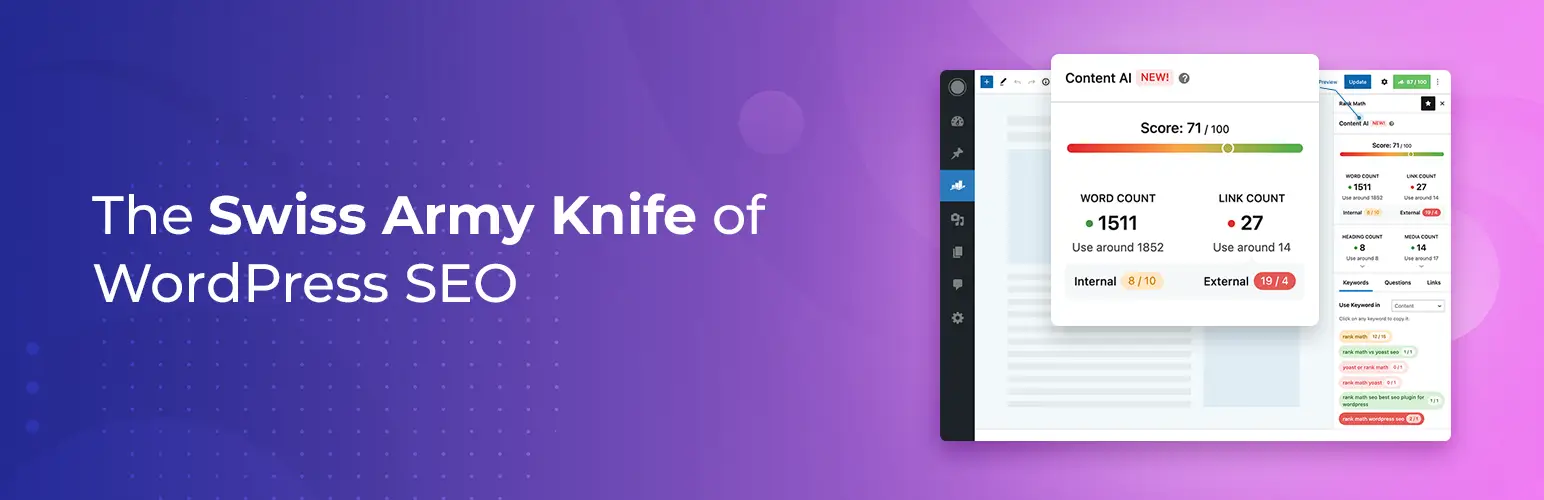
Rank Math is another powerful SEO plugin. Some people prefer it over Yoast because it offers more features in the free version.
It includes schema support, keyword tracking and detailed optimization tools.
Why choose Rank Math? If you’re looking for a Yoast alternative, Rank Math is definitely worth a try. It brings more advanced SEO features in its free version, including schema markup, keyword tracking and a thorough SEO analysis tool. It’s a solid choice for anyone who wants powerful SEO without all the complexity. Whether you’re running a small blog or a big website, Rank Math makes optimization straightforward and effective.
Official link:
Rank Math SEO Plugin
3. WPForms Lite
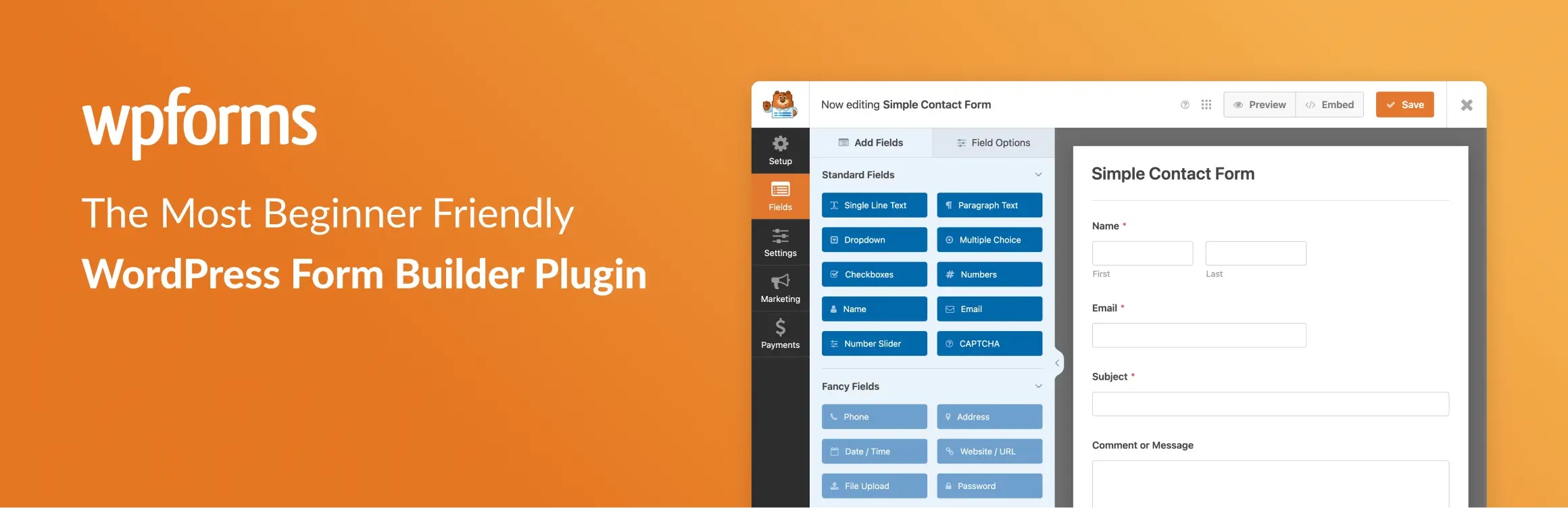
Every website needs a contact form. WPForms makes it easy to create forms without writing code.
The drag-and-drop builder is simple and beginner-friendly.
WPForms Lite is just one of those plugins that makes things easier. If you need a form on your site you can set it up in a few minutes without touching code. You just drag things around and it works. It’s a simple way to add contact forms or anything similar without overthinking it.
Official link:
WPForms Lite Plugin
4. LiteSpeed Cache

Website speed is very important. LiteSpeed Cache helps improve loading time with caching and optimization features.
If your hosting supports LiteSpeed this plugin can make a big difference.
Why use LiteSpeed Cache? Speed matters especially for your users and SEO rankings. LiteSpeed Cache helps your site load faster by caching static content and optimizing performance. If your hosting supports LiteSpeed servers this plugin can really make a difference in how quickly your site loads and how smooth the experience is for your visitors.
Official link:
LiteSpeed Cache Plugin
5. Wordfence Security

Security should never be ignored. Wordfence helps protect your website from attacks, malware and suspicious activity.
It includes a firewall and login protection.
Why use Wordfence Security? When it comes to your website security should always come first. Wordfence gives you solid protection against hacks, malware and other potential threats. With a firewall, malware scanning and login protection, this plugin ensures that your site stays secure and runs without issues.
Official link:
Wordfence Security Plugin
6. UpdraftPlus

Backups are something many people forget until it’s too late. UpdraftPlus makes it easy to create backups and restore your site if something goes wrong.
Why use UpdraftPlus? Backups are essential and UpdraftPlus makes it incredibly easy to schedule automatic backups of your site and restore it in case of an emergency. It’s a must-have plugin to ensure your website data is always protected and can be quickly restored with minimal hassle.
Official link:
UpdraftPlus Plugin
7. Elementor
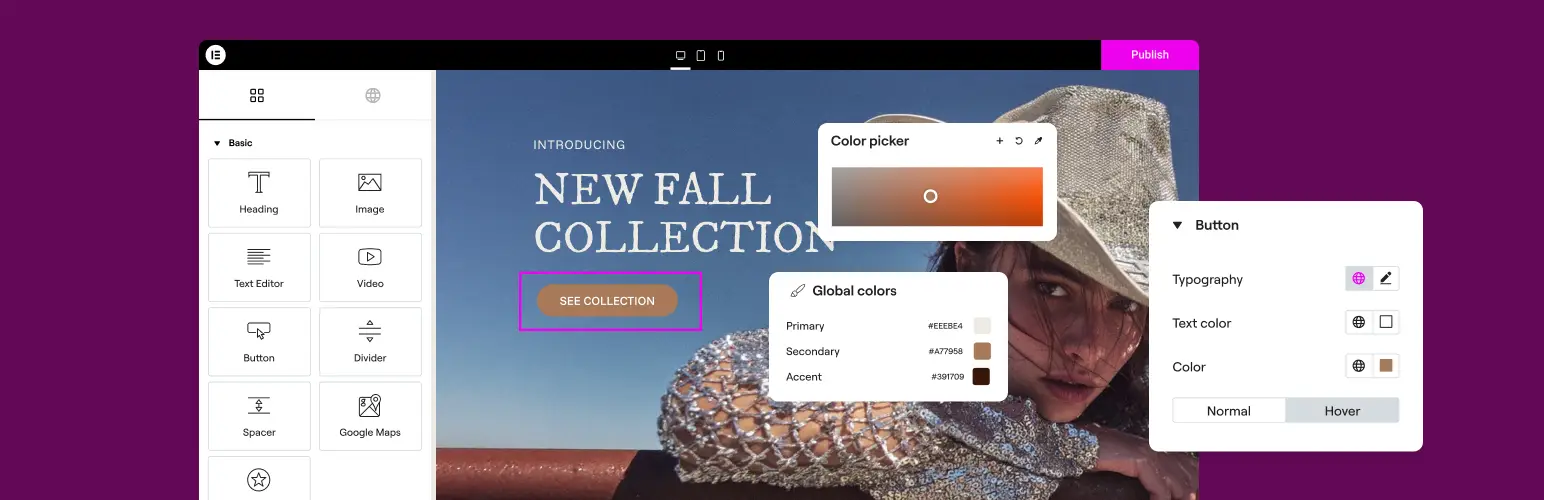
Elementor is one of the most popular page builders. It allows you to design pages visually without coding.
Great for landing pages and custom layouts.
Why use Elementor? If you’ve ever wanted to design a page without dealing with code, Elementor makes that really easy. You can just move things around, see changes instantly and build the layout the way you want. It’s especially useful when you want more control over how your pages look without making things complicated.
Official link:
Elementor Page Builder Plugin
8. Smush
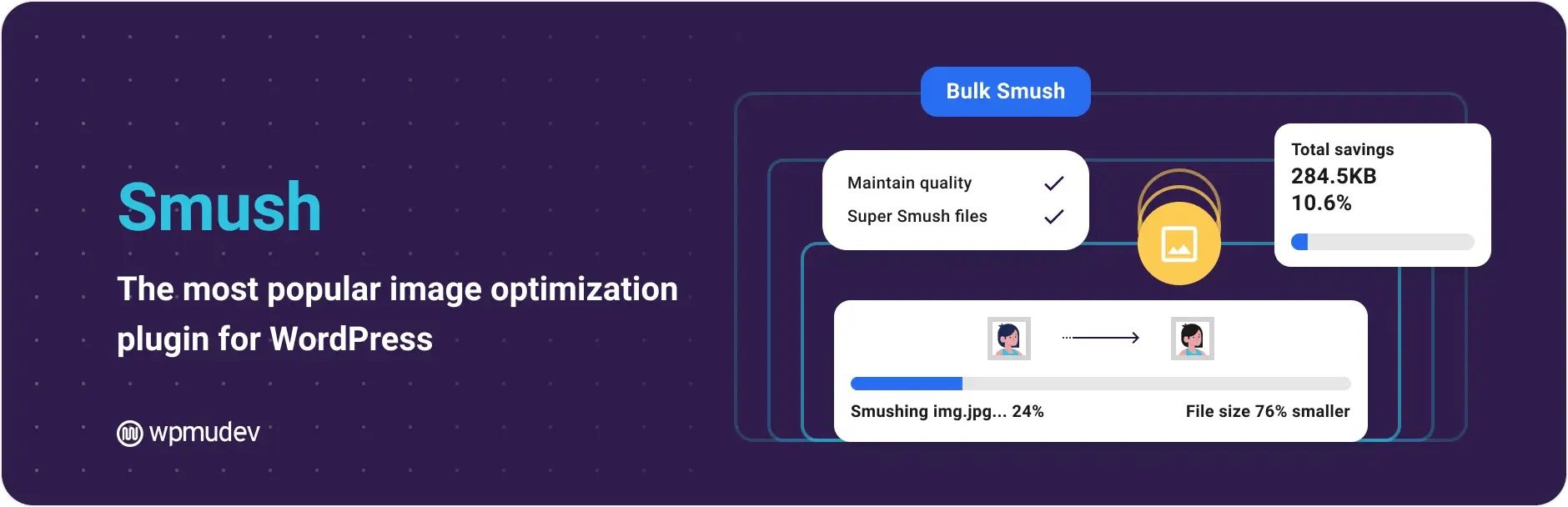
Images can slow down your website. Smush optimizes images without reducing quality.
Why use Smush? Images can easily slow your site down especially if you’re uploading a lot of them. Smush takes care of that in the background by optimizing them without messing up the quality. It’s one of those plugins you install once and don’t really have to think about again but it still makes a noticeable difference.
Official link:
Smush Image Optimization Plugin
9. Redirection

Managing redirects is important for SEO. This plugin helps you create and manage redirects easily.
Why use Redirection? At some point you’ll end up changing URLs or removing pages and that’s where this plugin helps. It lets you handle redirects without much effort and keeps things from breaking. You can also see which pages are giving 404 errors so you’re not losing visitors without even noticing.
Official link:
Redirection Plugin
10. Classic Editor
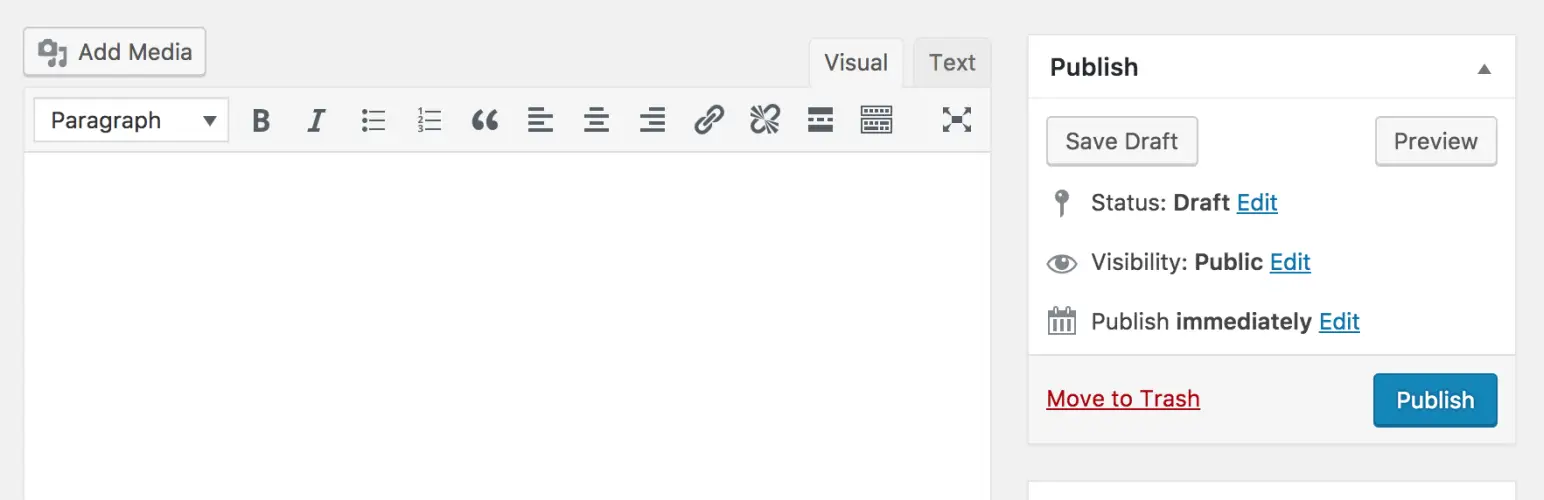
If you prefer the old WordPress editor this plugin brings it back. Simple and useful for those who don’t like Gutenberg.
Why use Classic Editor? Not everyone likes the new block editor and that’s completely fine. If you’re used to the old way of writing posts this plugin brings it back so you can work the way you’re comfortable with. It’s simple, familiar and saves you from having to deal with something you don’t really enjoy using.
Official link:
Classic Editor Plugin
How Many Plugins Should You Actually Use?
One thing I learned over time is that installing too many plugins is not always a good idea. At the beginning it feels like every plugin adds something useful, so you keep adding more and more.
But after a while you start noticing that your website becomes slower or things don’t work well together. Some plugins can conflict with each other and that can create unexpected issues.
In most cases you really don’t need a lot. A small number of well-chosen plugins can do everything you need without overcomplicating your setup.
For most websites, having around 5 to 10 plugins is more than enough to keep things clean and efficient.
Free vs Paid Plugins
A lot of people think they need paid plugins to build a good website but that is not always true. Many free plugins are powerful enough to handle most tasks especially when you are just starting out.
In fact some of the plugins mentioned in this list are used on professional websites without any upgrades. They offer more than enough features for everyday use.
That being said there are situations where paid versions make sense. Usually that happens when you need more advanced features, better support or more control over specific parts of your site.
The best approach is to start with free tools and only upgrade when you actually feel the need for something more.
Something to Keep in Mind
Plugins can make a huge difference in how your website performs. But more is not always better.
Try to use only what you actually need. Too many plugins can slow things down and create problems.
Start with a few essential ones, test your site and improve it step by step. That’s usually the best approach.
With the right setup WordPress becomes a very powerful platform that can handle almost anything you want to build.